
Alibre Atom 3D 101
3D Training Course for Hobbyists
Learn 3D Modelling for 3D Printing & CNC Machining
Learn how to design accurate, real-world mechanical parts using Alibre Atom 3D, even if you’re completely new to CAD.
This web based training course teaches hobbyists how to create 3D models for 3D printing, CNC routers, CNC mills, and CNC lathes, using professional modelling techniques that work in the workshop.
Course Format:
This course is web based, comprising step by step video lessons with accompanying PDF guides for each lesson, allowing you to work at your own pace. Instead of separate unrelated lessons demonstrating individual features, this course takes you through the process of creating all the components and assemblies for a complete design following a typical real world workflow.
Each lesson includes an overview of the features covered, tips and tricks and a sample file to download if you run into problems. Lessons can be revisited at any time, and you will receive a certificate upon completing all modules.
Who is this training course for?
Home workshop users
3D printing hobbyists
CNC router, milling machine and lather owners
Makers who want to design their own parts
Beginners looking for practical CAD skills
What is needed to undertake the training?
A computer capable of running Alibre Atom 3D*
A license of Alibre Atom 3D** (V28 or newer***)
Internet access
A second screen or tablet is recommended
A desire to learn 3D CAD
*Minimum computer specifications:
x86 PC or Laptop running Windows 10 or 11 (64 bit); 8gb ram; Direct X 11 capable graphics (integrated graphics is sufficient)
**Alibre offer a free trial of Alibre Atom 3D for new users.
***Users with older versions of Alibre Atom 3D may still find the course useful, however some of the instructions may not directly translate due to recent updates to the interface depending on the version. Please get in touch if you need more information.
Course Summary:
3D Part Modelling
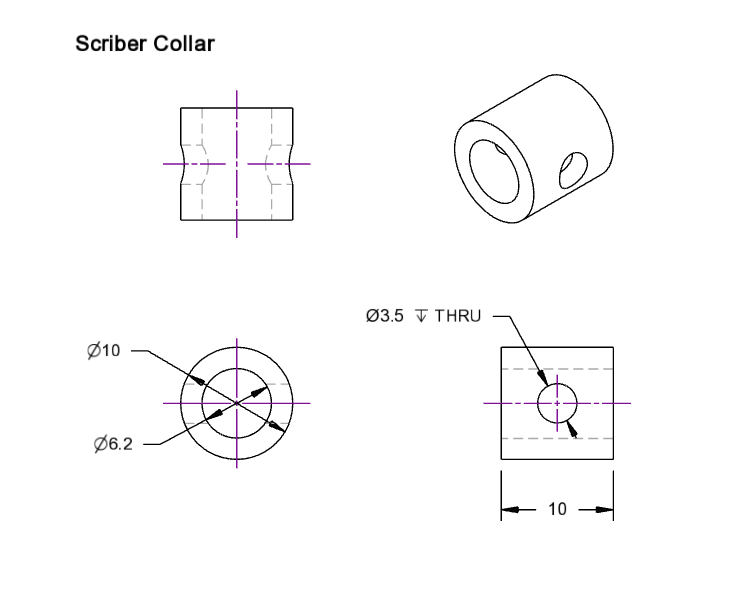
Learn how to create solid parametric 3D models using the most commonly used tools in Alibre Atom 3D including:
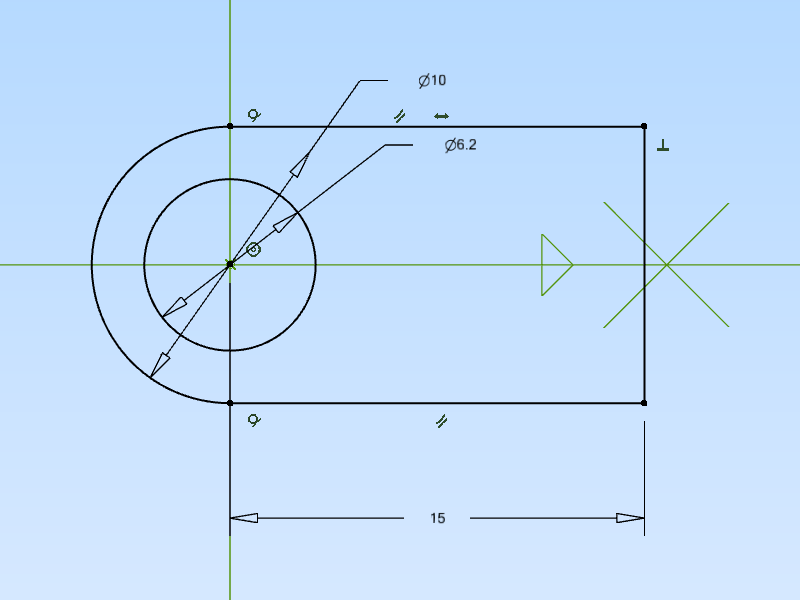
Sketch creation and constraints
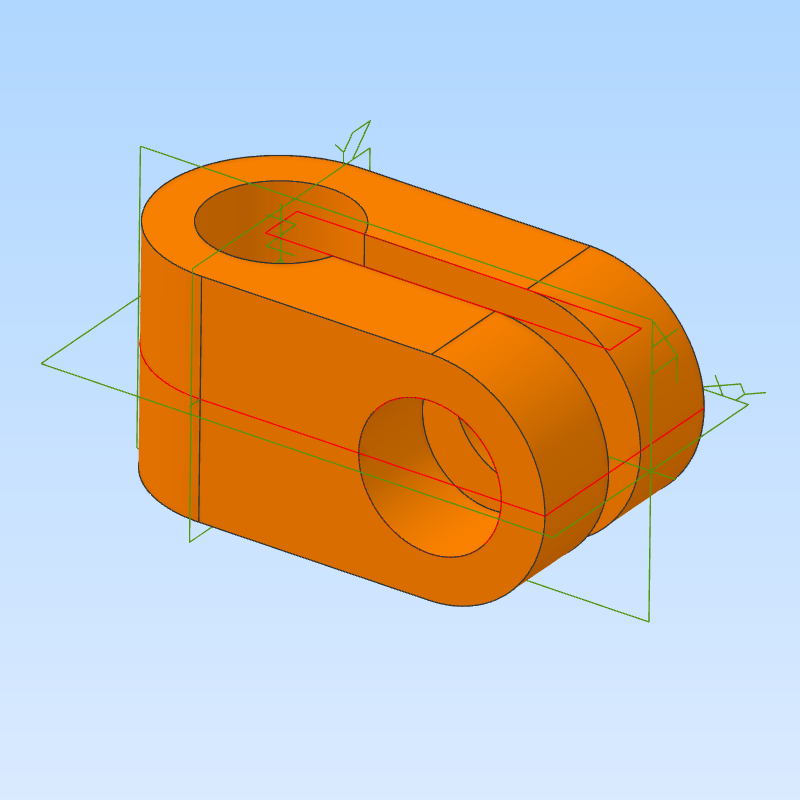
Extrude boss and cut
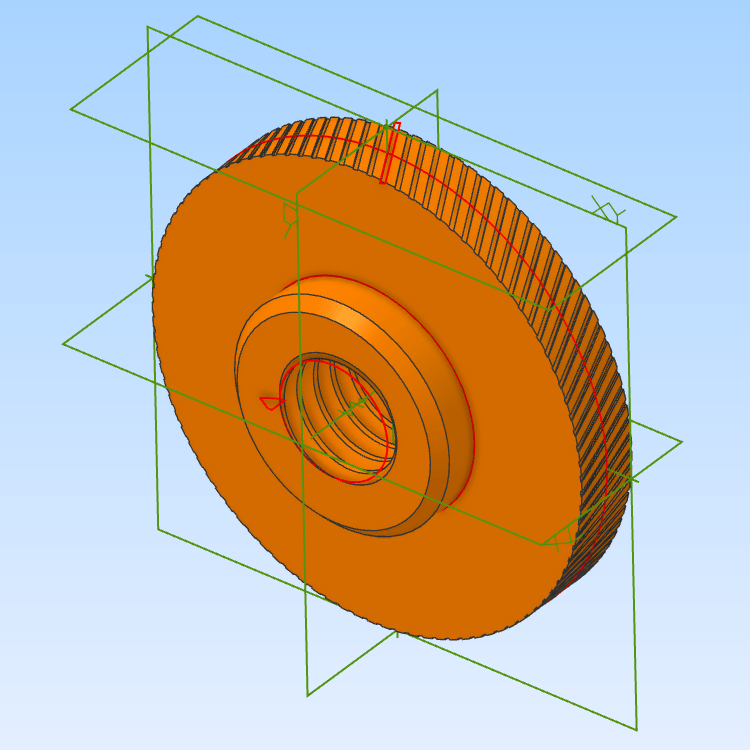
Revolve boss and cut for turned components
Sweep boss
Detailing tools including chamfer, filet and pattern
Creating Threaded Parts (Internal and External Threads)
Learn how and when to model accurate thread forms for your components, including:
Internal Threads (nuts, tapped holes)
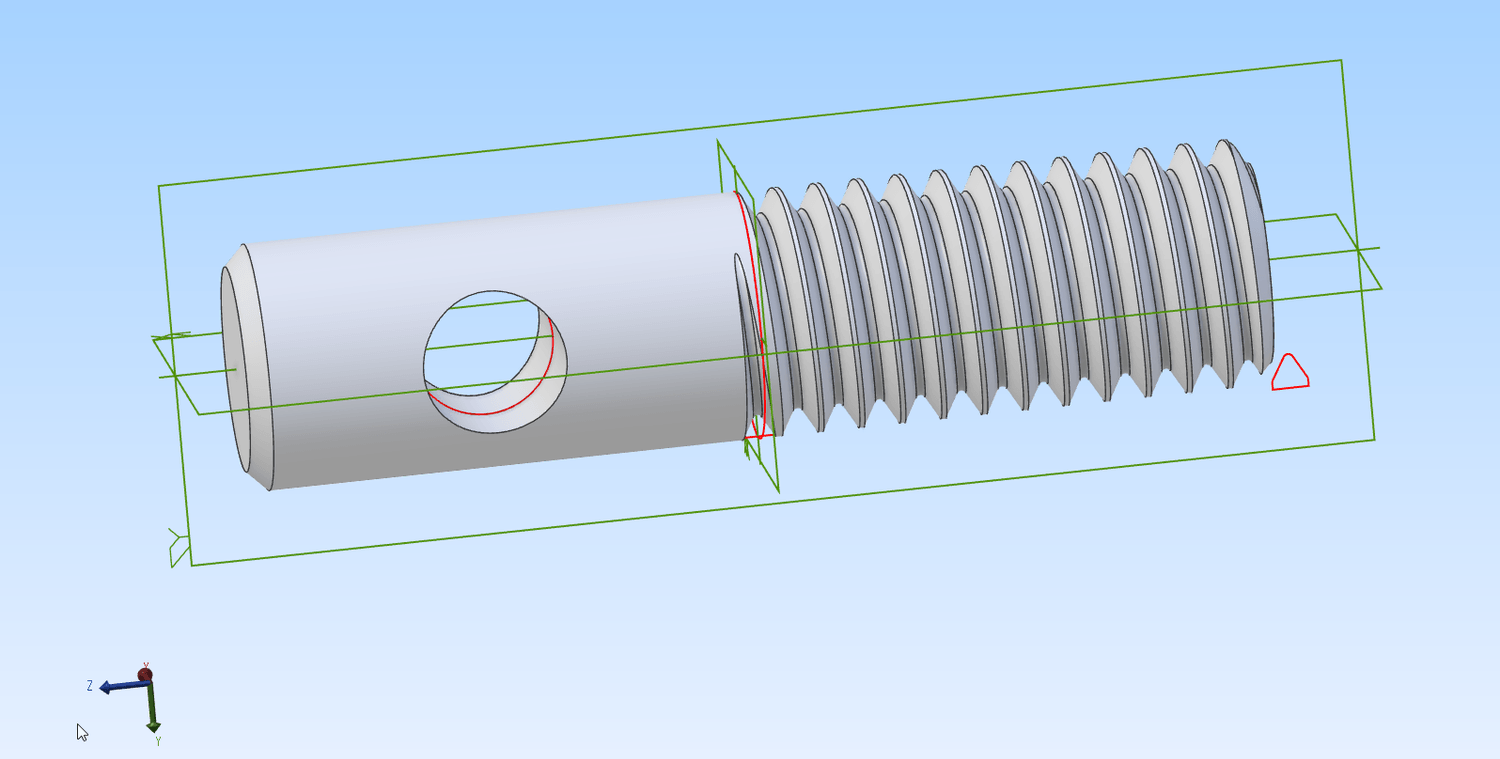
External Threads (bolts, shafts, fasteners)
How to finish a partial thread
Best practices on when to model a full thread form and when its better to use a simplified representation
Assembly Modelling
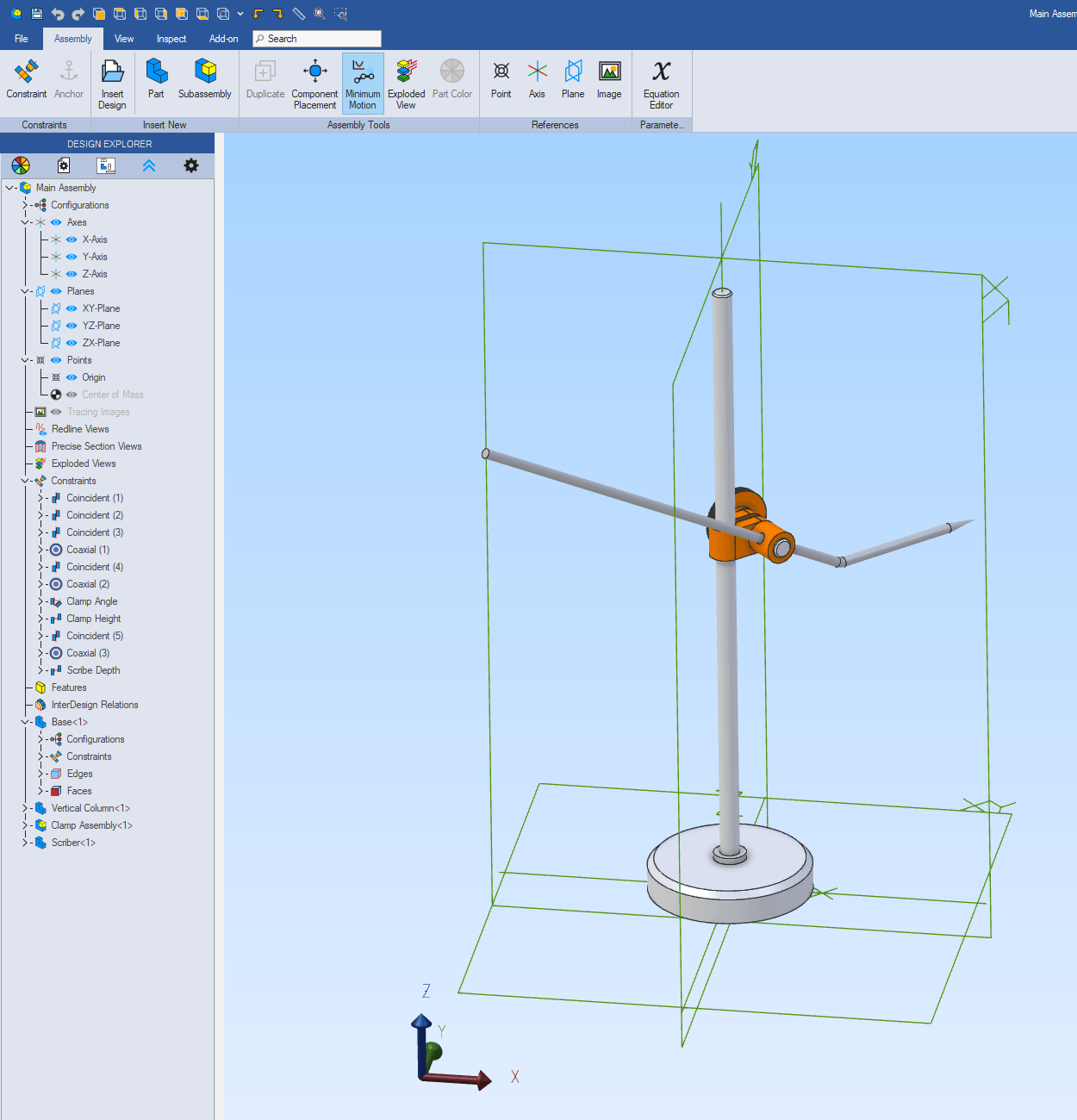
Learn how to combine your part together using the assembly workspace, including:
When and why to use the assembly workspace instead of modelling as a part
Importing parts into assembly
Defining the position of the first component
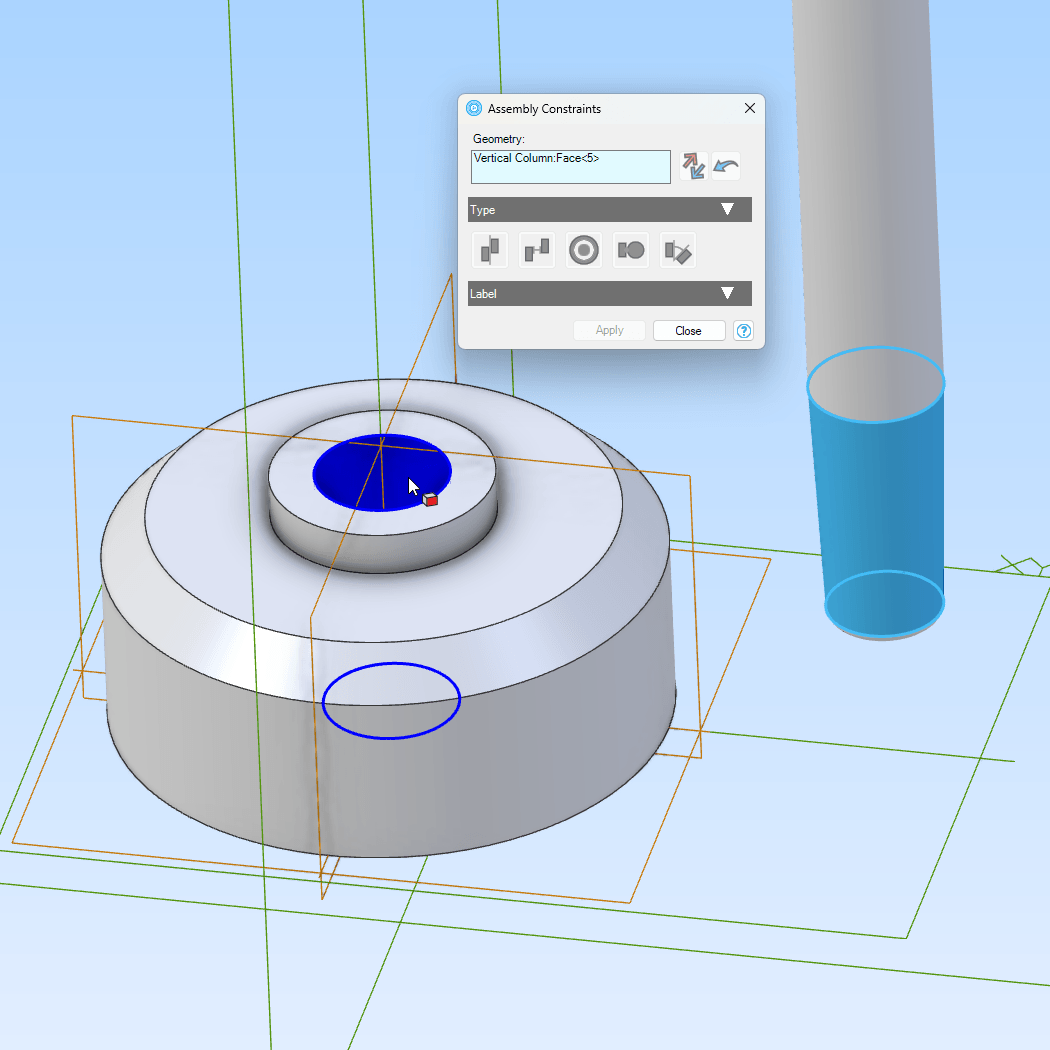
Creating constraints to between components
Editing constraints to reposition components
Working with sub-assemblies
In context editing (i.e. editing a part from within the assembly)
Creating 2D Engineering Drawings
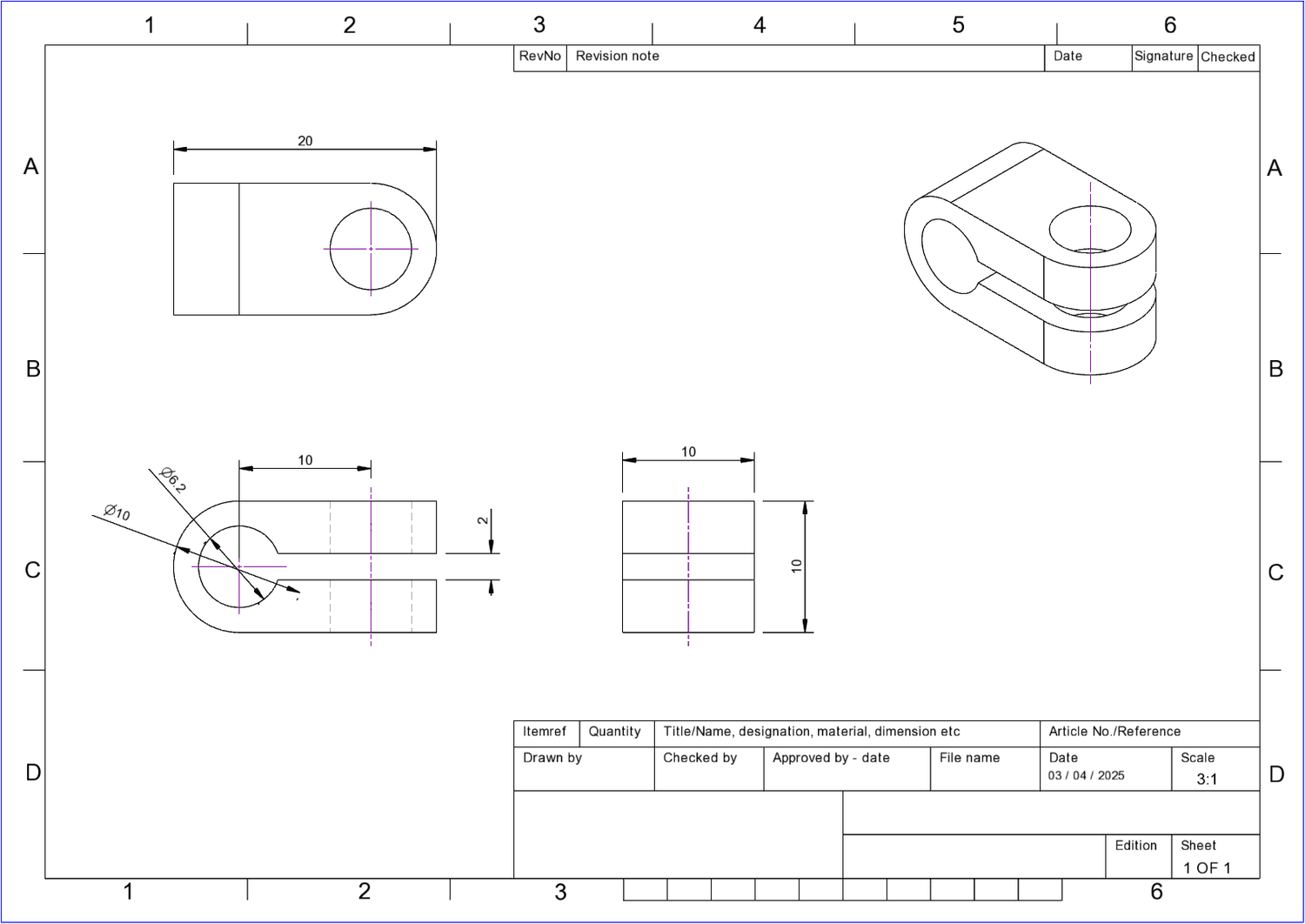
Learn how to use the parts and assembly models to drive 2D engineering drawings using the drawing workspace, including:
Drawing templates and dimension styles
Standard view creation
Adjusting view scale, position and layout
Adding dimensions and hole centres
The slot dimension tool
Updating the title block and page scale
One Time Purchase, Lifetime Access
Alibre Atom 3D 101 Training Course
Price: £25.00
Access: Lifetime access
Format: Web based video training
What's Included:
Step by step video lessons with PDF guides.
Lessons covering 3D part modelling included thread creation, assembly modelling and 2D drawings.
Beginner friendly instructions, no prior CAD experience required.
No monthly fees or renewals, buy once and keep it.
Frequently Asked Questions
Do I need a subscription?
No, this is a one time purchase with permenant access.
Do I need Alibre Atom 3D before buying?
If you are new to Alibre you are eligible for a 30 day free trial of the software, which should be enough to complete the training.
Is this suitable for beginners?
Absolutely, the course has been created for users with no prior CAD experience.
Can I rewatch the lessons?
Yes, you can access the training anytime and run though the lessons as often as you like.
Start Learning Alibre Atom 3D Today




© Created with systeme.io